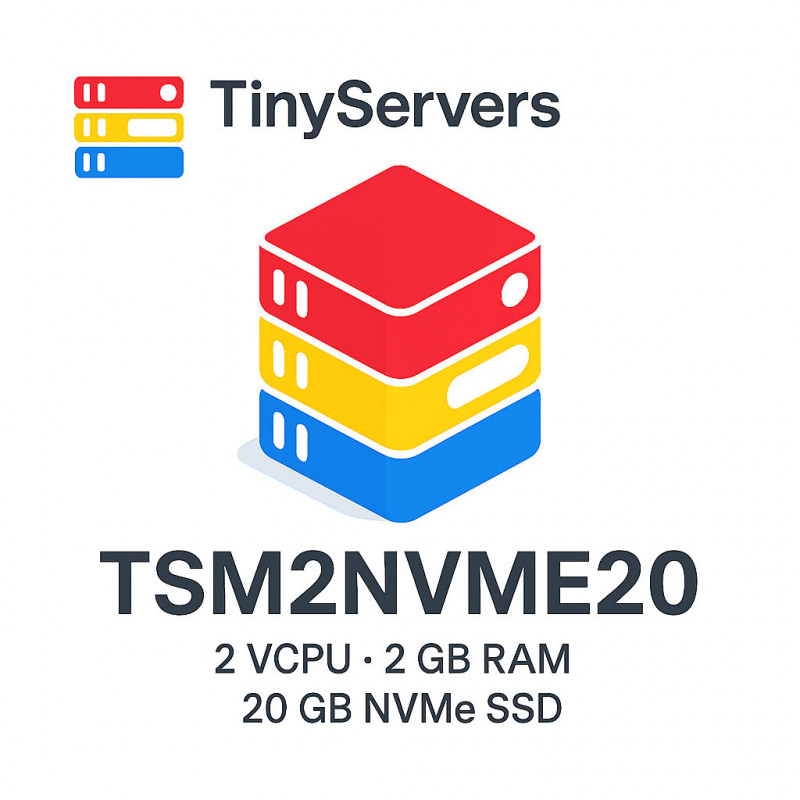
Balanced 2 GB RAM NVMe VPS on Ryzen 5700G, hosted in Bucharest, Romania. Normally provisioned automatically within minutes after successful payment and service checks, IPv4 support and a free backup you can trigger from the panel. Great fit for starter WordPress, small databases, staging apps, APIs, and Docker micro-services.
Looking smaller or larger? See 1 GB RAM NVMe plan (TSM1NVME10) or step up to 4 GB RAM NVMe plan (TSM4NVME40).
Log in → My Account → My Virtual Machines to start/stop the server and use Download Key for the SSH private key. Step-by-step guide in our blog post #43.
See real benchmarks and speed test references in blog post #60.
Yes. Contact support from your client area to request a larger plan. Before the change, keep a current application-level backup and confirm any maintenance window with support. Compare our VPS plans.
This plan is the safest low-cost default when you want an affordable 2 GB VPS that still has room for real traffic, WordPress, control panels or a small application stack hosted in Romania.
Yes, for many small to medium sites. It is usually the better default if the site matters for the business.
Yes, for lighter setups. If you know the stack will grow, plan the move to 4 GB sooner.
Choose 4 GB when you need more breathing room for heavier apps, multiple services or higher traffic.
A 2 GB NVMe VPS is the practical middle ground between the cheapest 1 GB plan and larger 4 GB servers. It keeps monthly cost low while giving WordPress, PHP apps, APIs and small Docker workloads enough memory headroom for normal production use.
Best for WordPress, small apps, APIs, bots, staging and light production workloads.
Recommended starting pointBest for heavier WordPress, more containers, higher traffic and extra growth margin.
View 4 GB VPSFor many small and medium WordPress sites, 2 GB RAM is enough for PHP, MariaDB, cache and routine admin work. It is a safer baseline than 1 GB when the site matters for a business.
Read the WordPress VPS sizing guideThe extra memory over a 1 GB VPS gives background workers, package updates, logs and small databases more room, which helps keep response times stable under regular traffic.
Why 2 GB is the sweet spotStart with 2 GB when the workload is real but still compact. Move to 4 GB when monitoring shows sustained RAM pressure, heavier plugins, multiple services or busier traffic patterns.
Compare VPS RAM tiersYes. A 2 GB VPS is a good starting point for many WordPress sites, especially with page caching, a clean plugin set and a lightweight theme.
Yes, for light Docker setups and a small number of containers. For several active services or memory-heavy containers, choose a 4 GB VPS.
Yes. The TSM2NVME20 plan uses NVMe storage and includes root access, IPv4 support and monthly billing.
Choose 1 GB for very small workloads, 2 GB for small production websites and apps, and 4 GB when you expect heavier traffic, more services or faster growth.
You might also like
Monthly extra IPv4 add-on for an active Tinyservers VPS. Ideal for VPN, firewall rules, migration work or service separation.
Routed /29 subnet with 6 usable IPv4 addresses for an active Tinyservers VPS. Monthly billed recurring service.
Routed /28 subnet with 14 usable IPv4 addresses for an active Tinyservers VPS. Monthly billed recurring service.
Routed /27 subnet with 30 usable IPv4 addresses for an active Tinyservers VPS. Monthly billed recurring service.